Scheduling
Shifts filled with the right people.
Plan every job by the week with the margin in view, fill gaps with workers who are qualified and keen, and know who’s turning up on the day.

The week at a glance
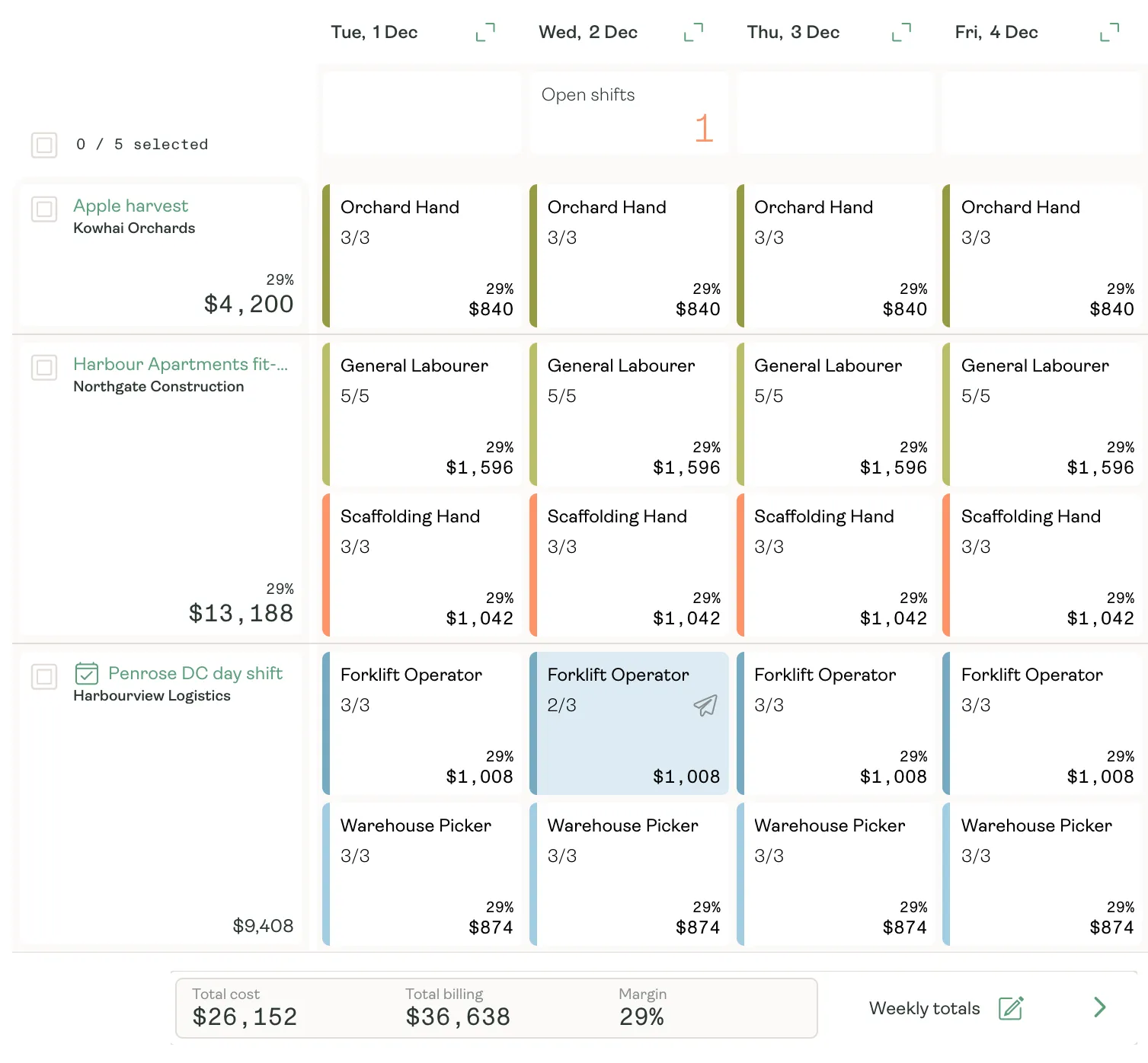
Every job and shift on one screen.
See each job’s week by type of work: who’s on, what’s still open, and the charge and margin on every shift. Gaps stand out, so you fill them before the week starts.
- Filled and required people on every shift
- Charge and margin on every shift and job
- The week’s cost, billing and margin as you plan
Filling a gap
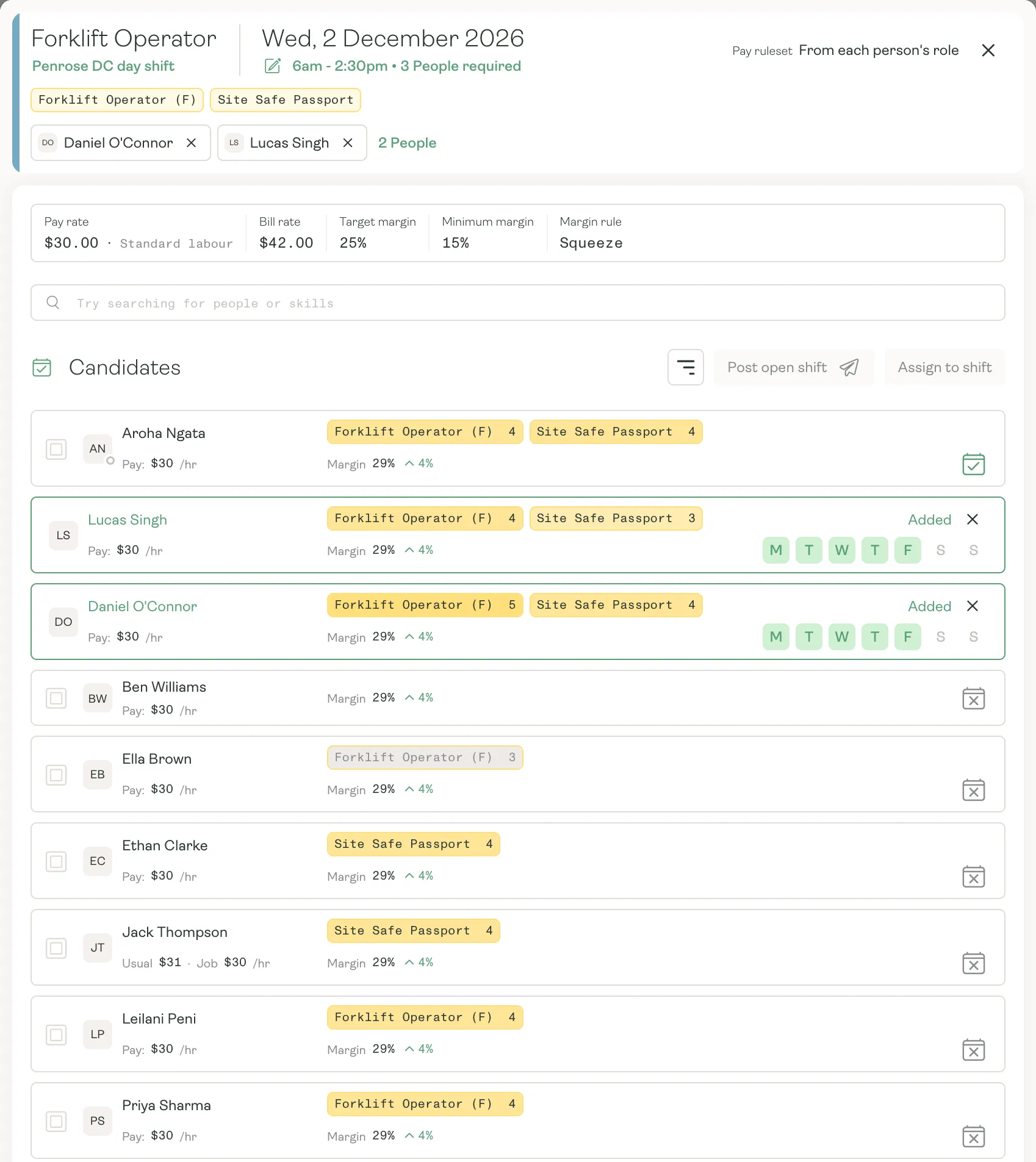
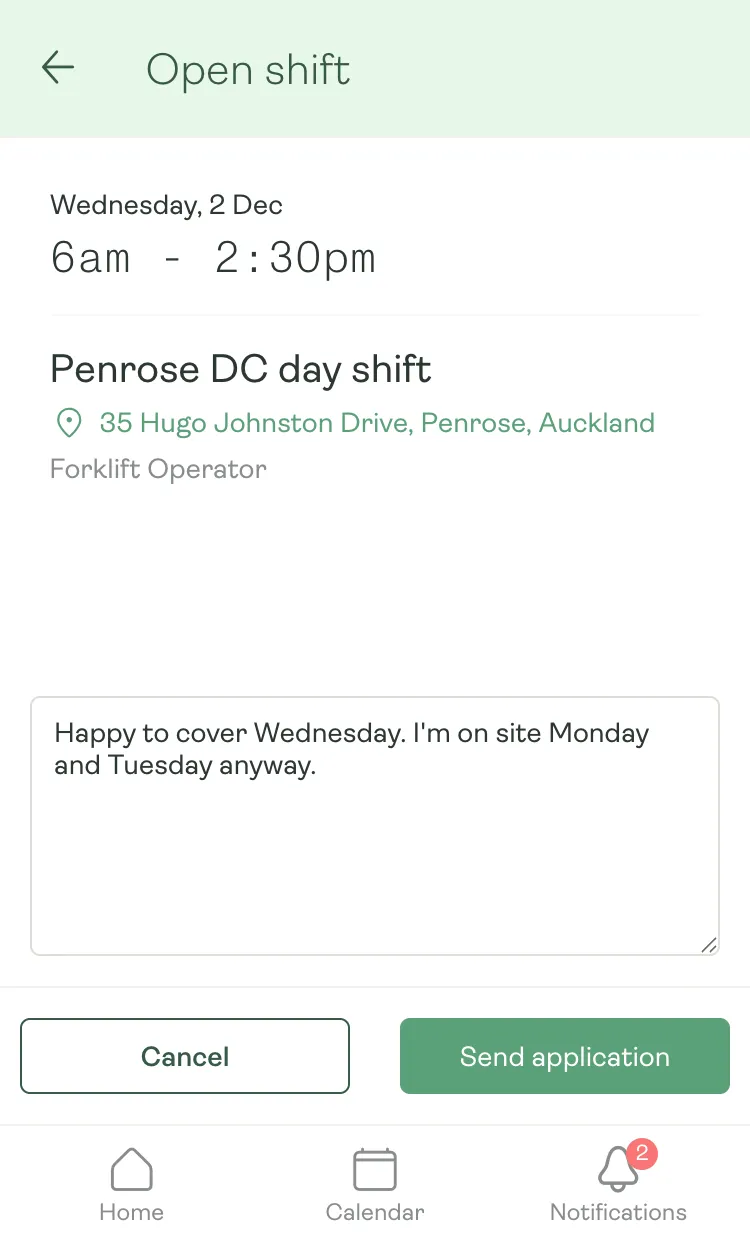
From open shift to filled, in minutes.
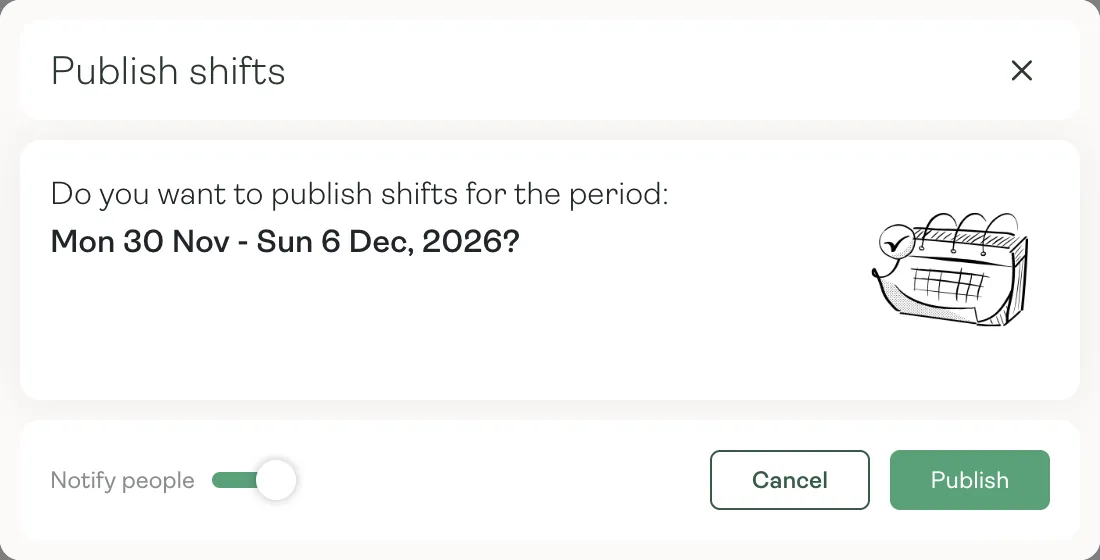
Offer a shift to the people who can do it, let them put their hand up from their phone, and pick the best fit.
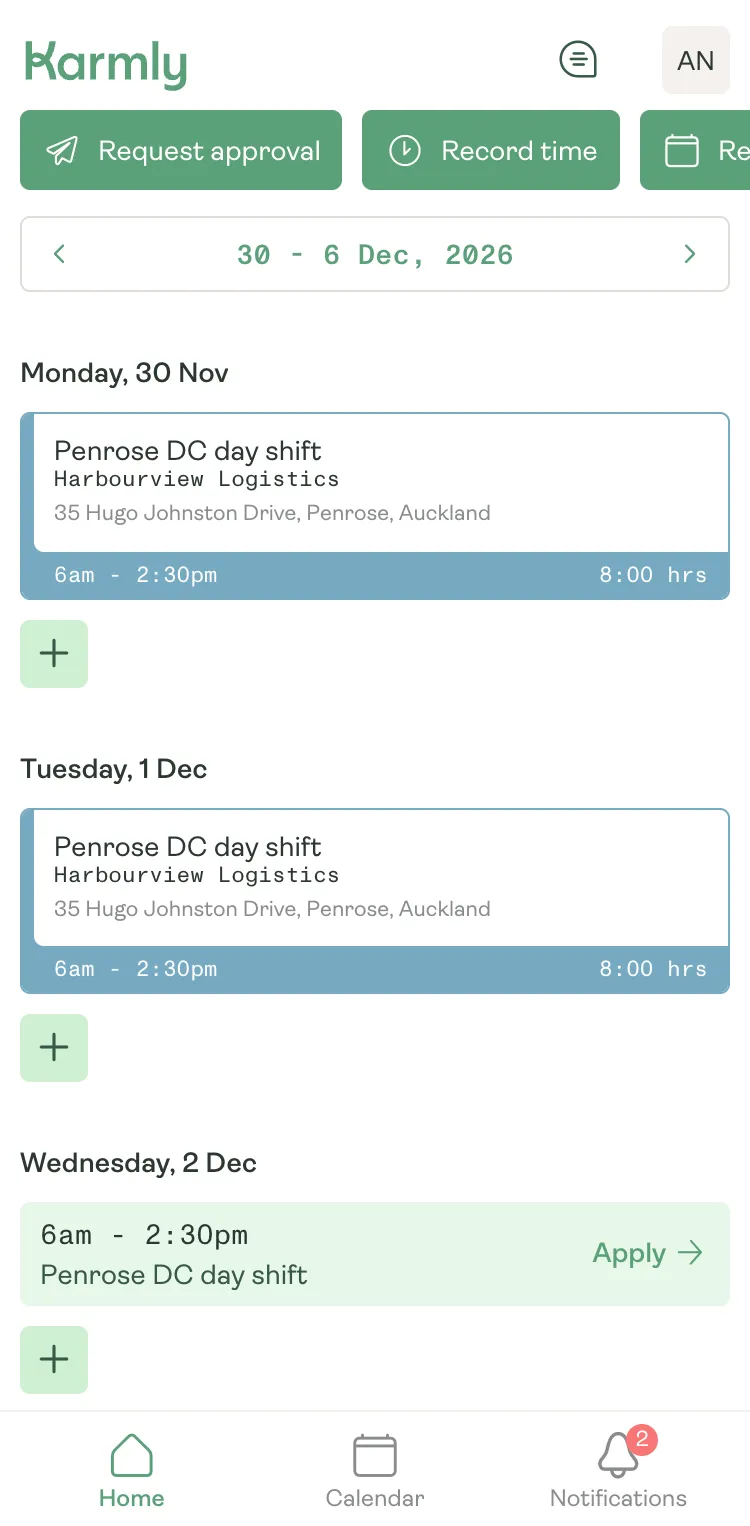
On the day
Know who’s turning up.
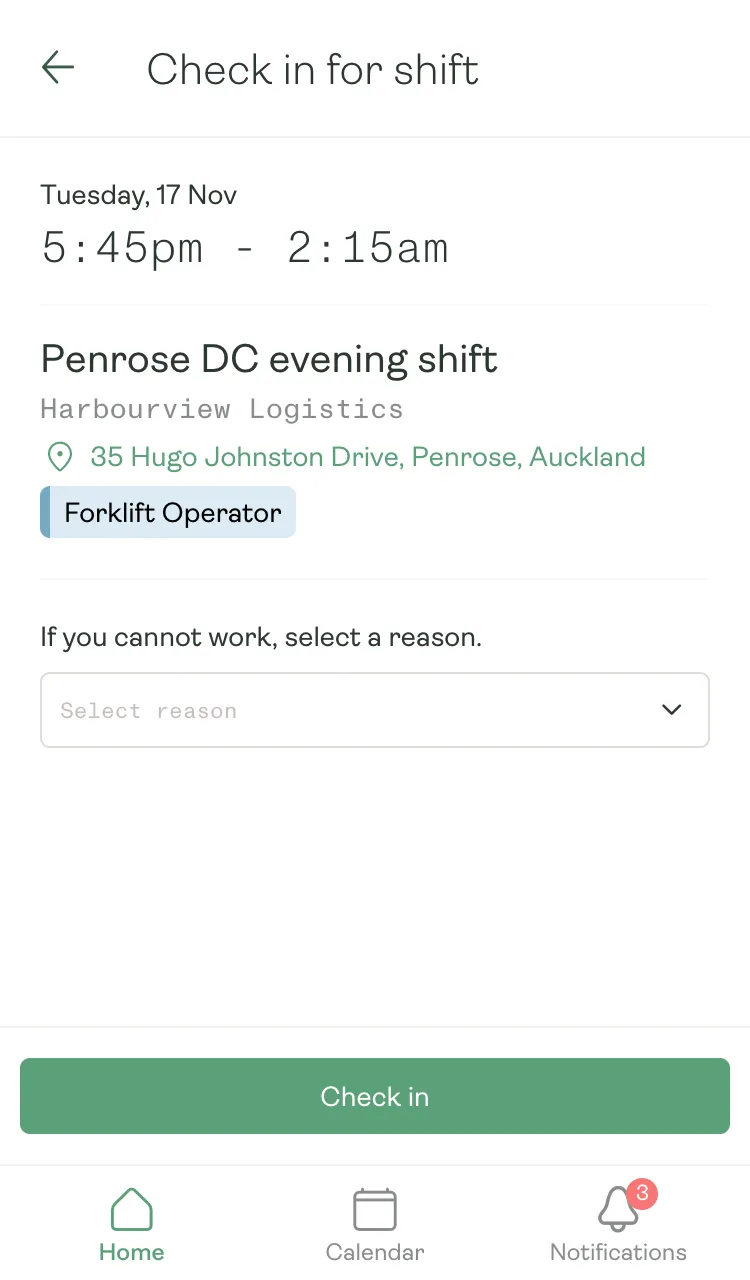
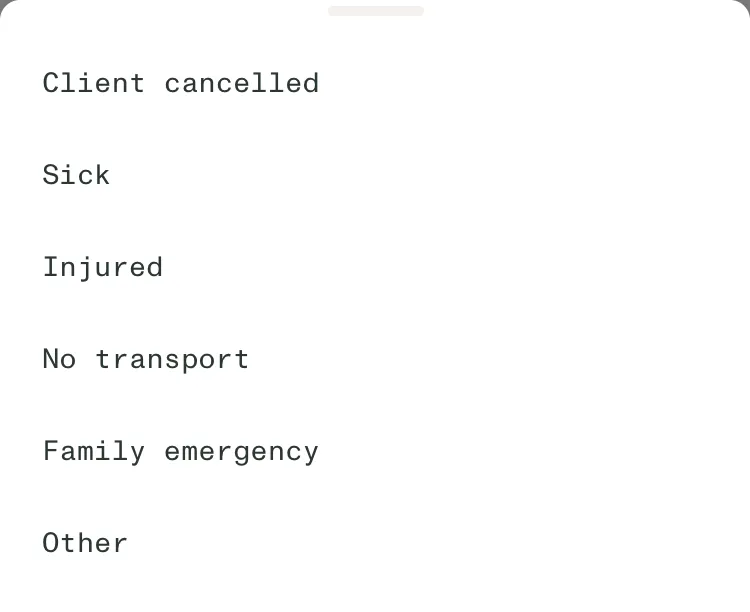
Workers check in from their phone before each shift. If they can’t make it, they choose a reason and add a note, so you can find cover before the client notices.
- A check-in prompt before each shift starts
- Sick, injured, no transport or client cancelled, with a note
- See who’s checked in, running late or a no-show on the Live view
Why it matters
Fewer gaps, better margins.
- 01
Fill a week in one go
Smart fill assigns a week’s open shifts to qualified people, keeping hours in range and favouring those who already know the job.
- 02
Only qualified people
Required tickets are checked on every shift, with an override and a reason when you need one.
- 03
Margin you can see
Every shift shows its charge and margin, so a costly week is obvious while you plan.
- 04
A reminder before every shift
Send workers an app or email reminder before their shift starts.
Fill next week before it starts.
See how Karmly plans every job, fills the gaps and keeps the margin in view.